How Works
Works
A simple step-by-step process to manage your complaints efficiently
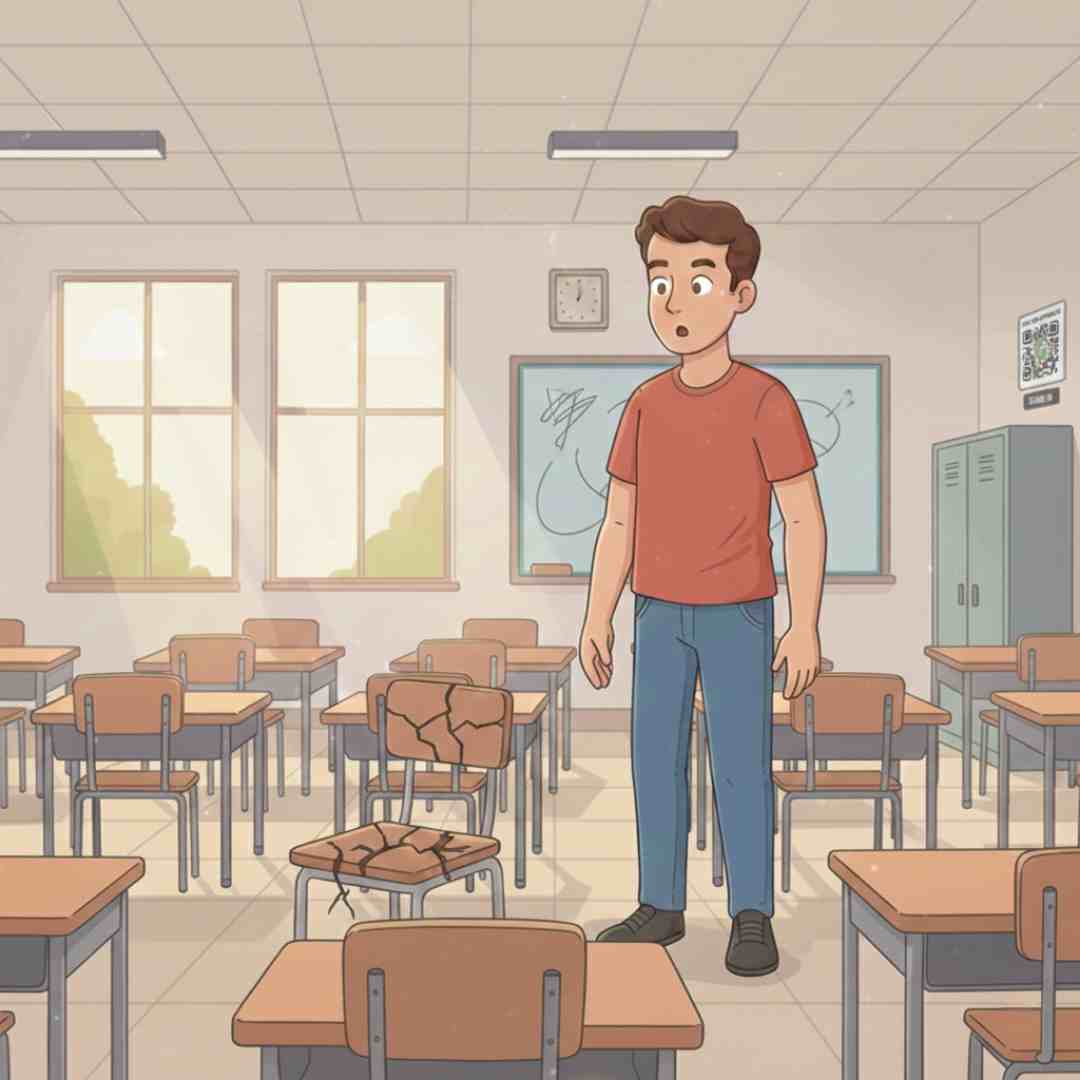
Step 1: Identify the Issue
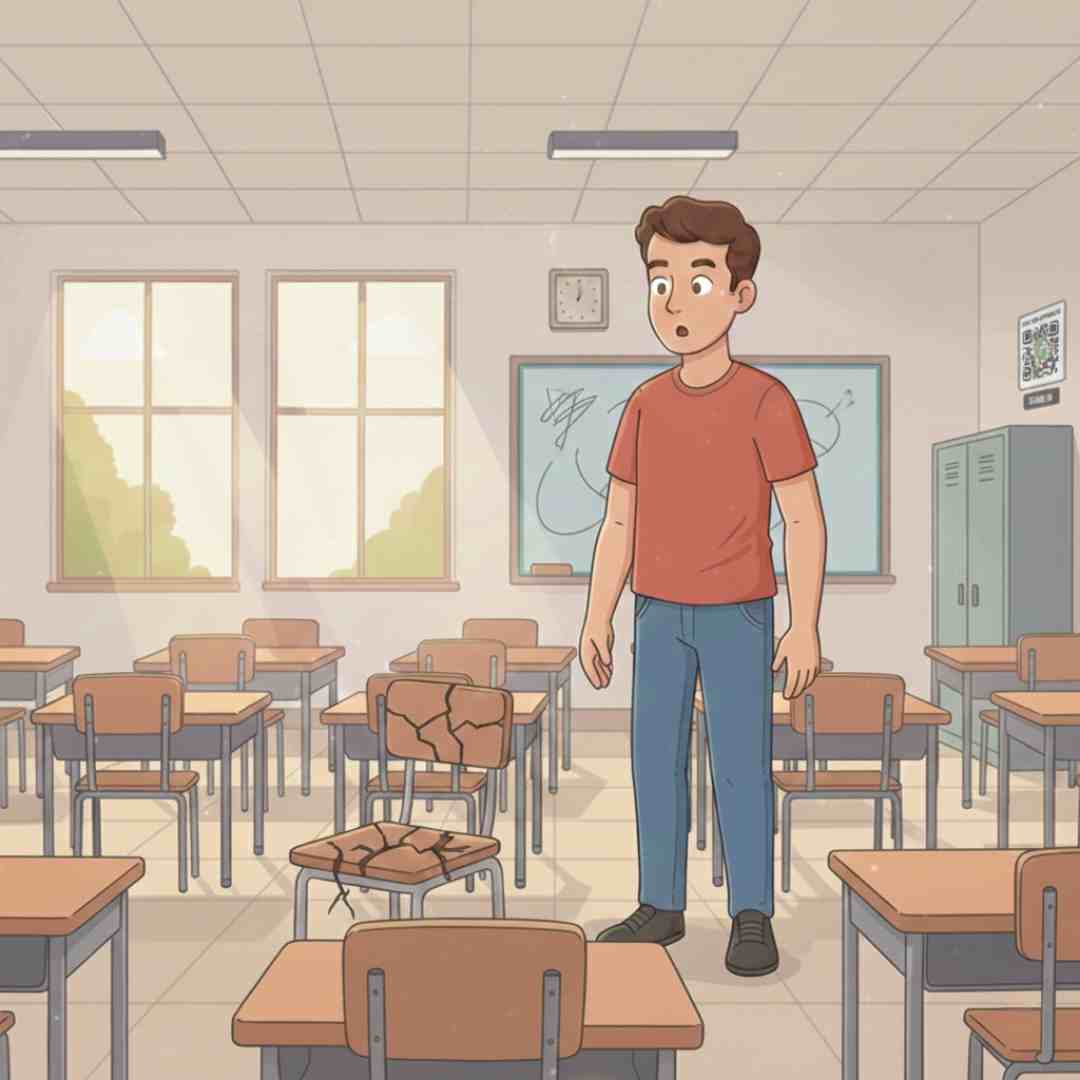
Step 1: Identify the Issue
Notice a problem in your facility? Whether it's a broken AC, faulty electrical outlet, or damaged furniture - we've got you covered.
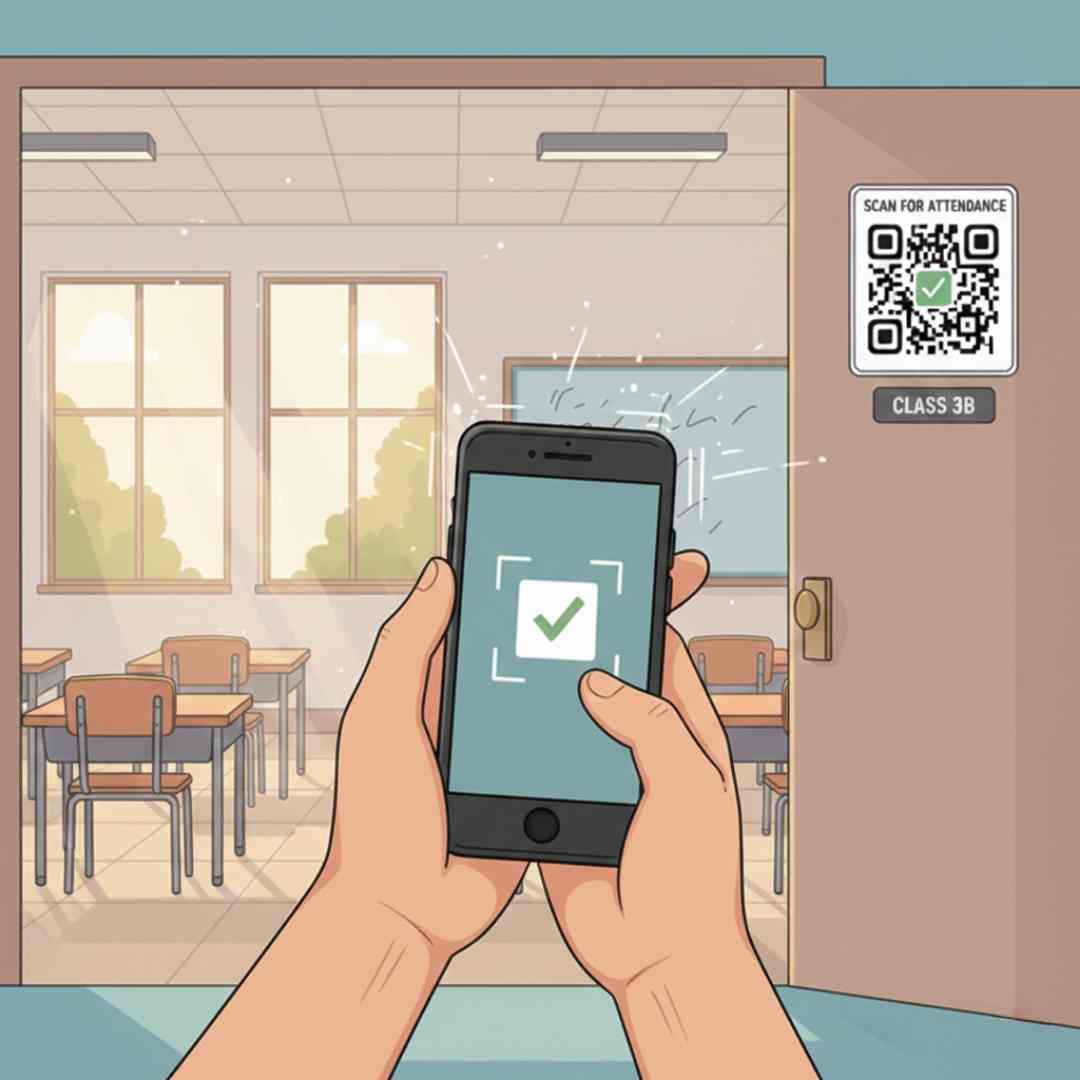
Step 2: Scan QR Code
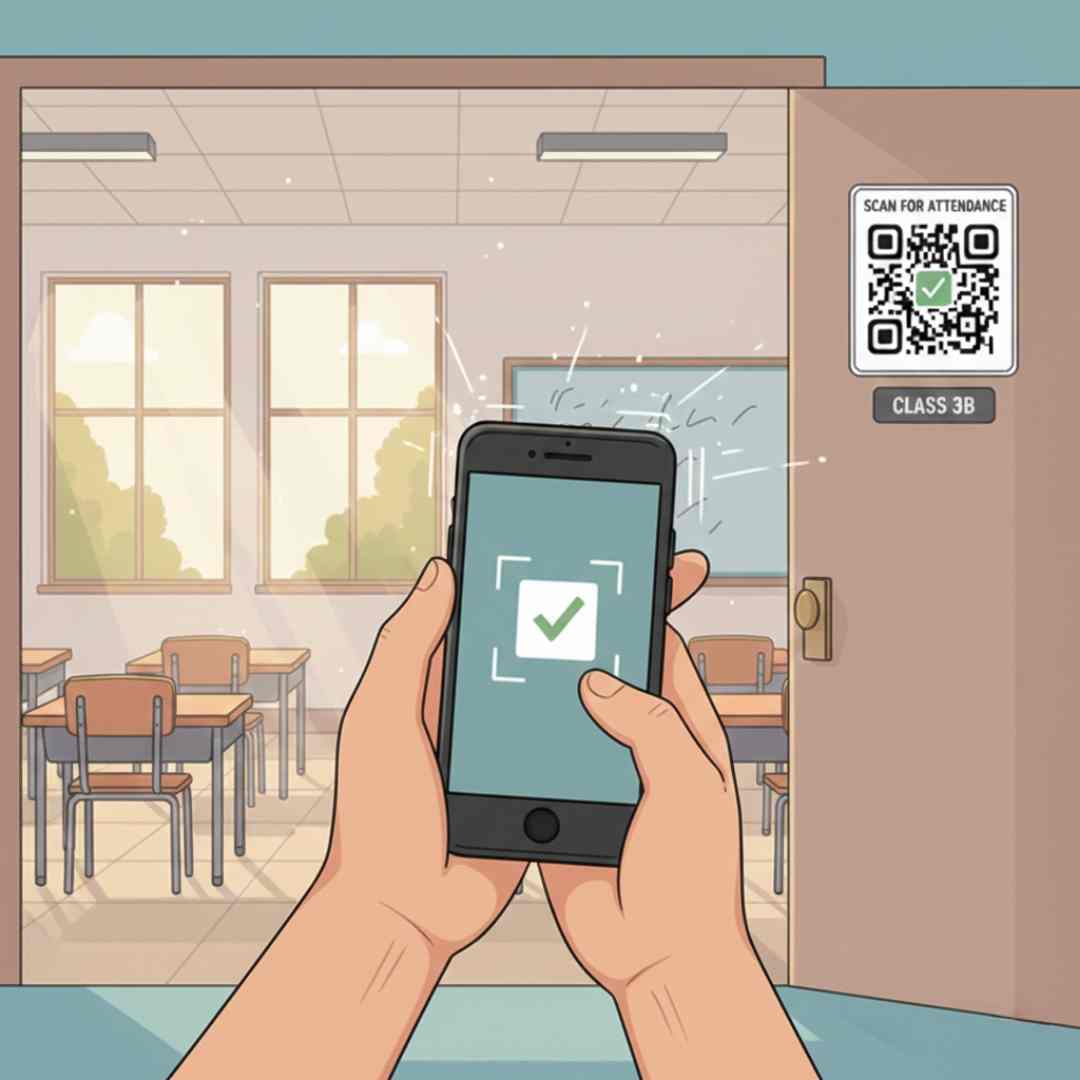
Step 2: Scan QR Code
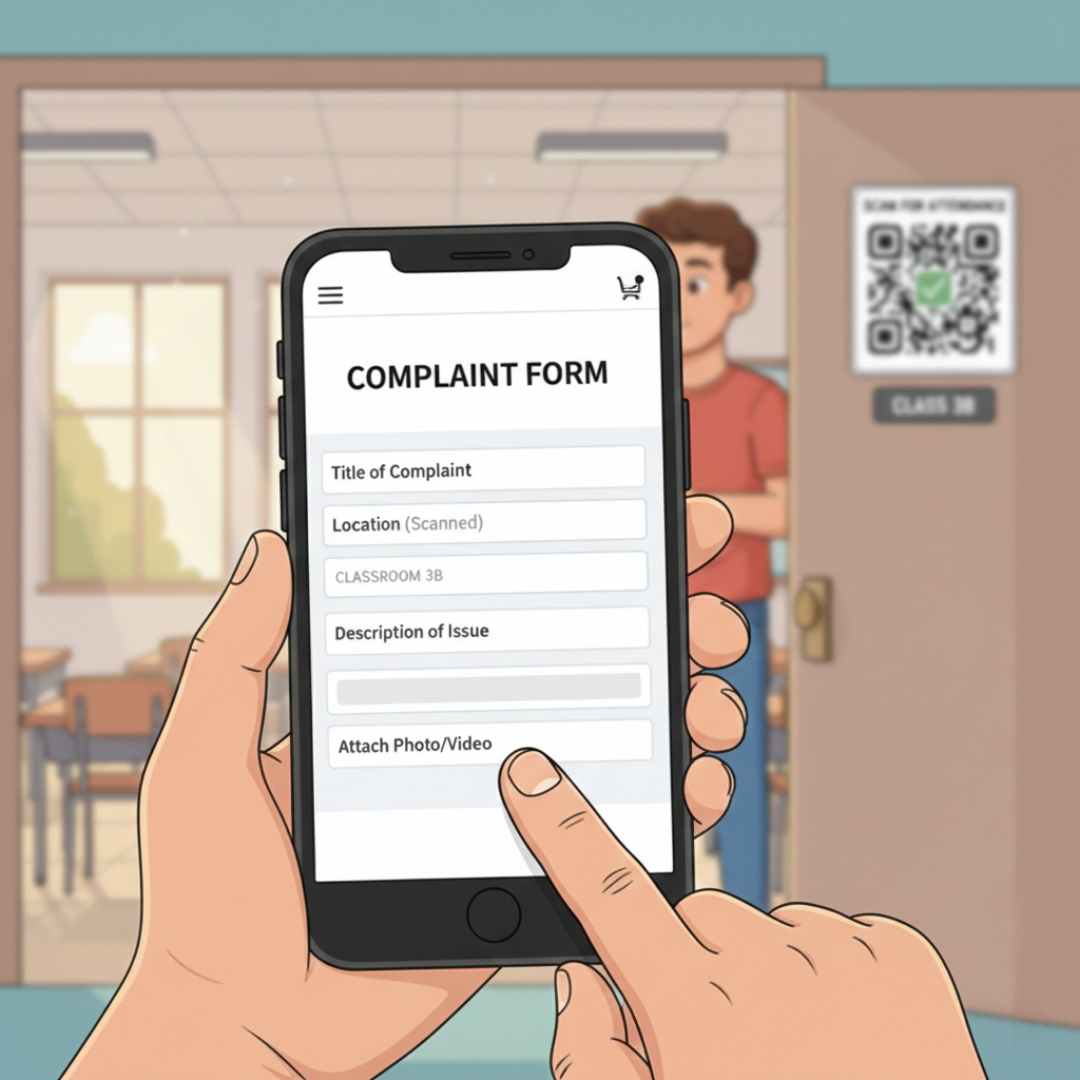
Find the QR code placed in your location and scan it with your phone. This automatically fills in the location details, making the process lightning fast and error-free.
Step 3: Fill Details
Step 3: Fill Details
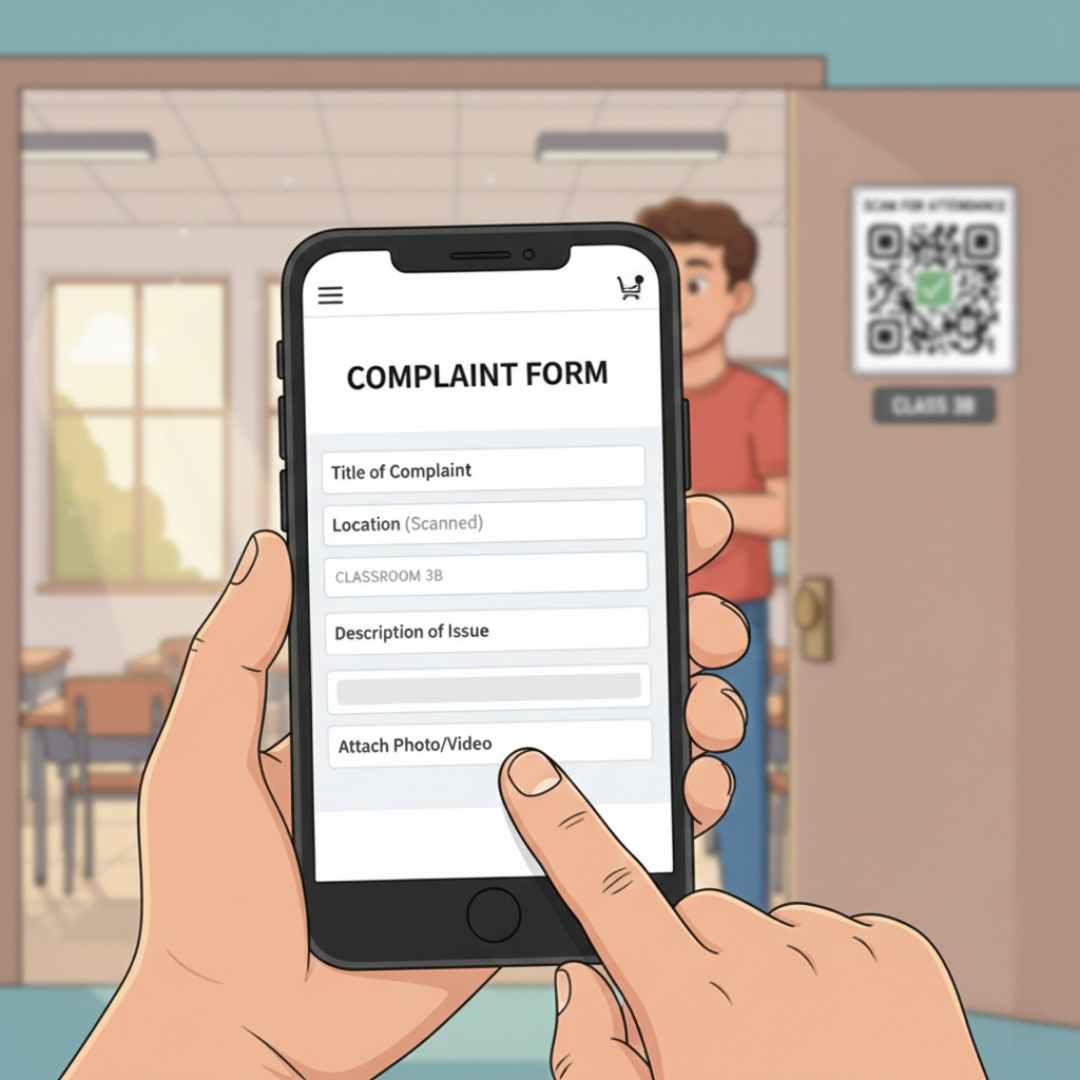
Enter your name, email, and phone number. Describe the issue in detail and select the type of problem (Electrical, Plumbing, IT, etc.) and its priority level.
Step 4: Upload Photo
Step 4: Upload Photo
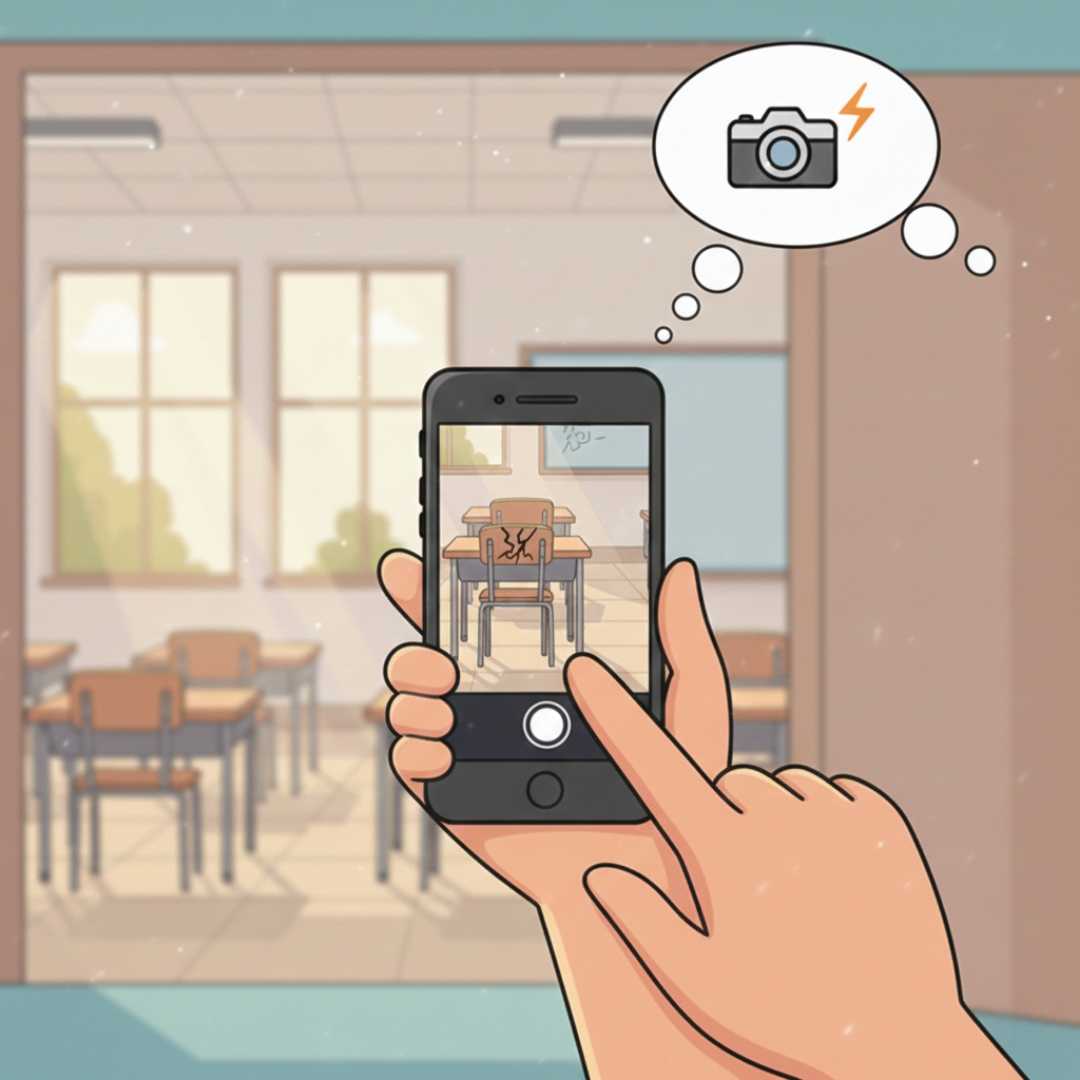
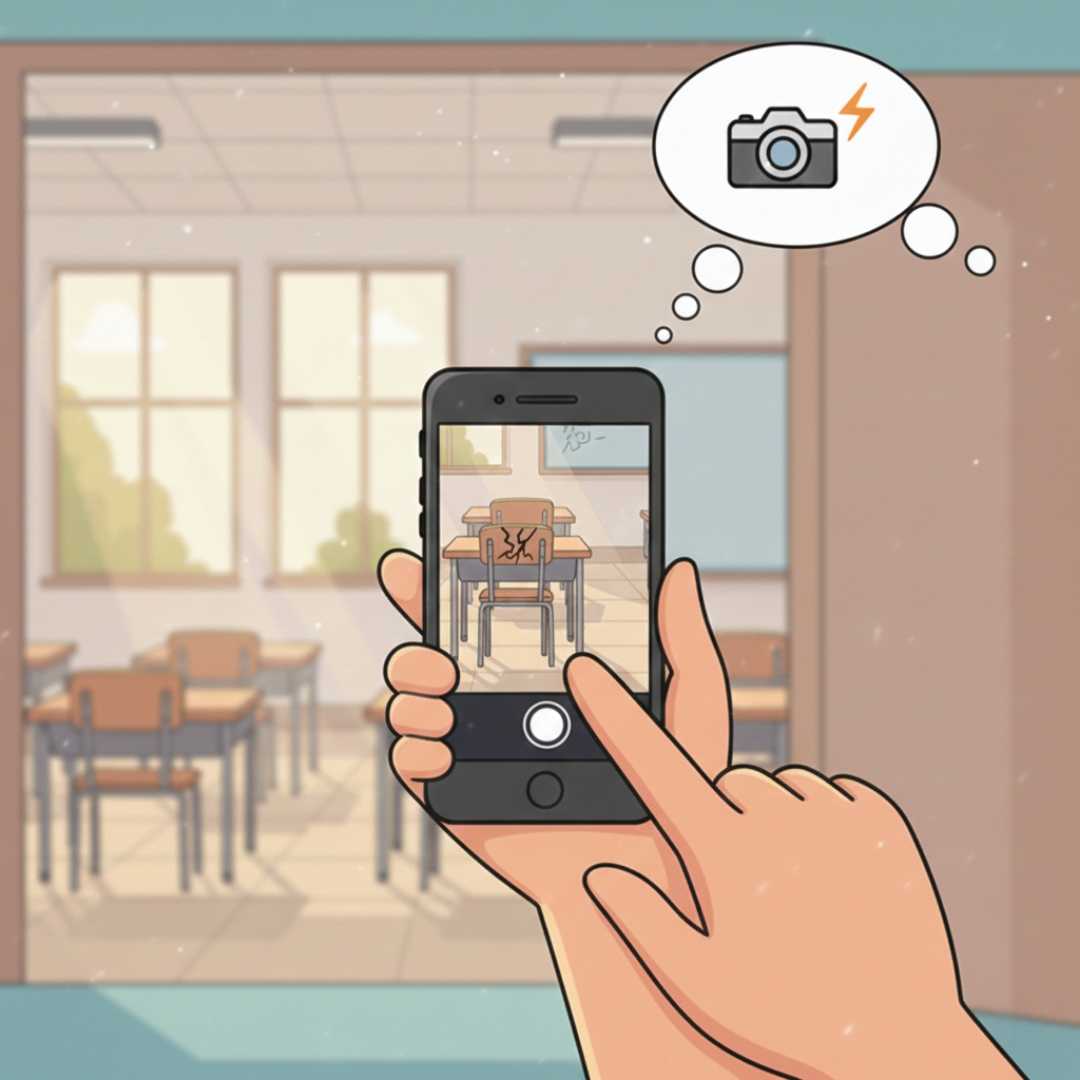
Snap a clear photo of the issue to help our technicians understand the problem better. A picture is worth a thousand words and speeds up the resolution process.
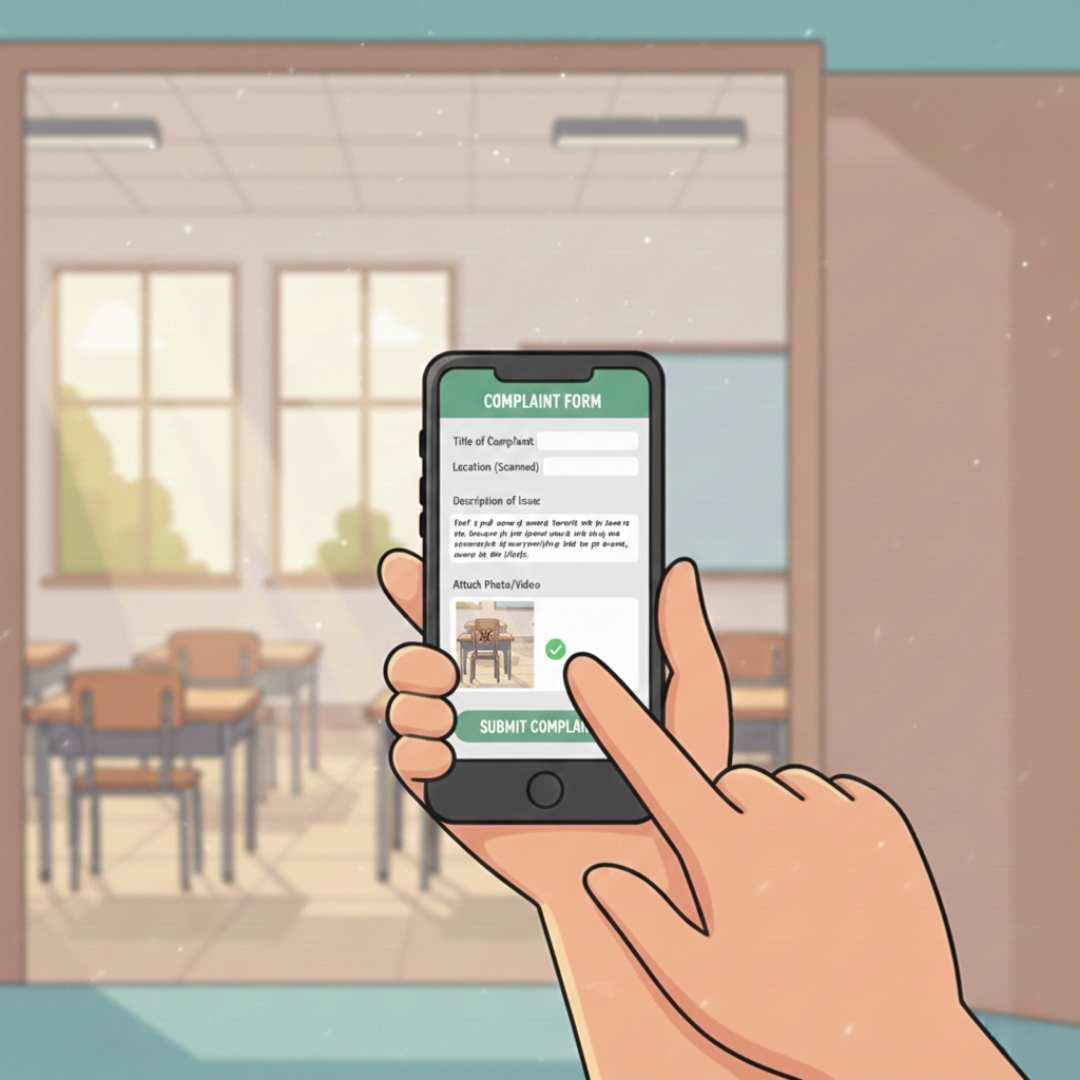
Step 5: Submit Complaint
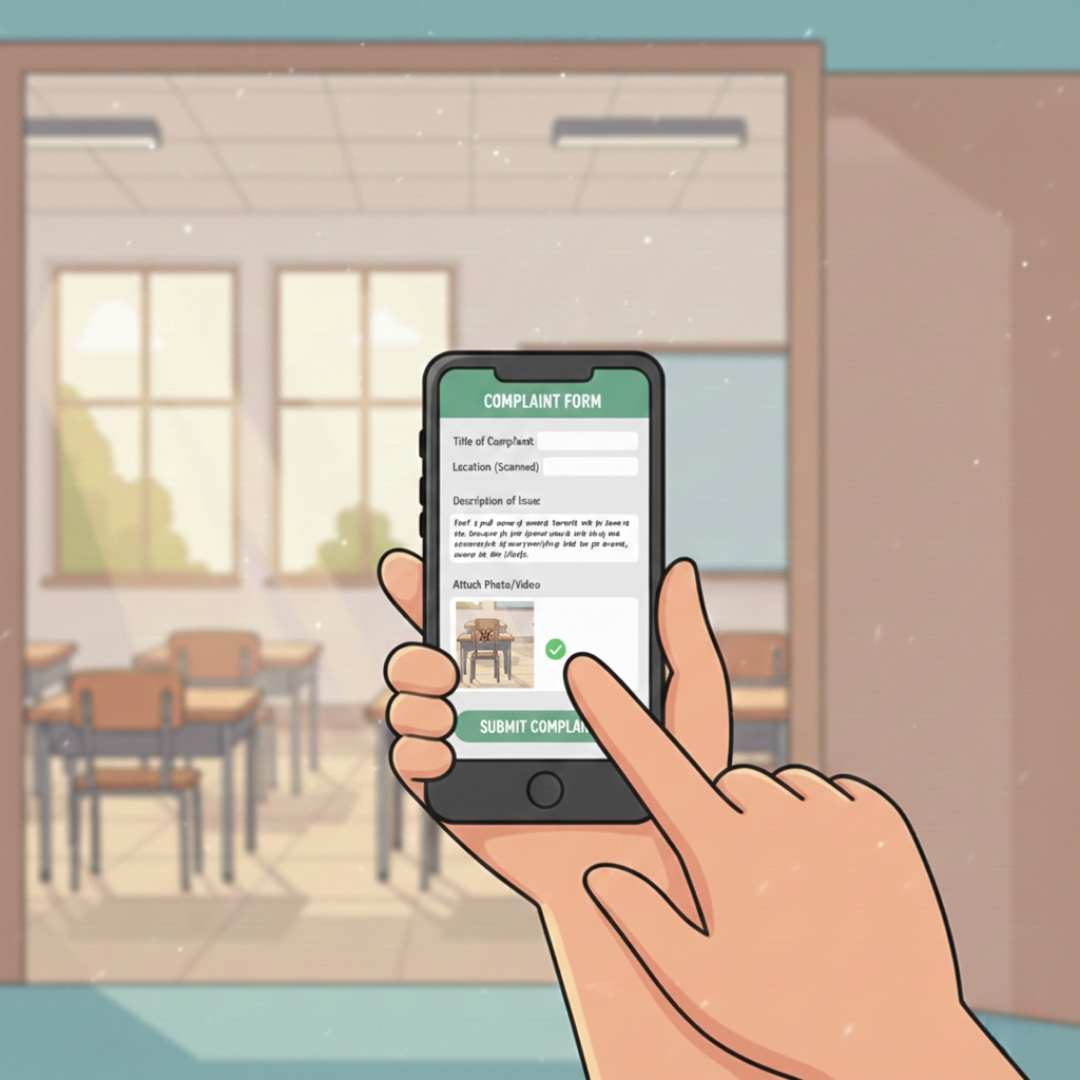
Step 5: Submit Complaint
Review all the information and hit submit. You'll receive an instant confirmation email with your unique tracking ID to monitor the progress.
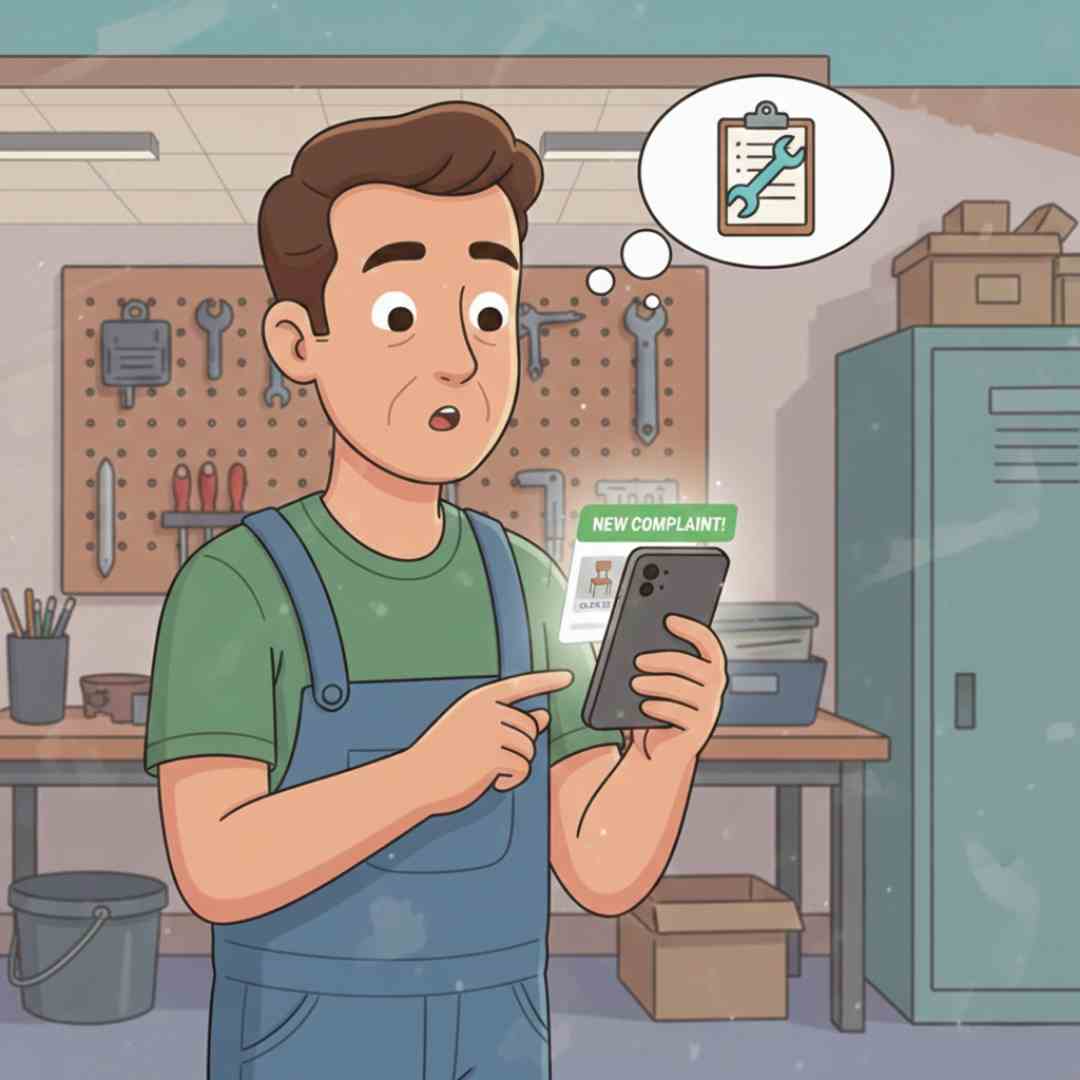
Step 6: Complaint Received
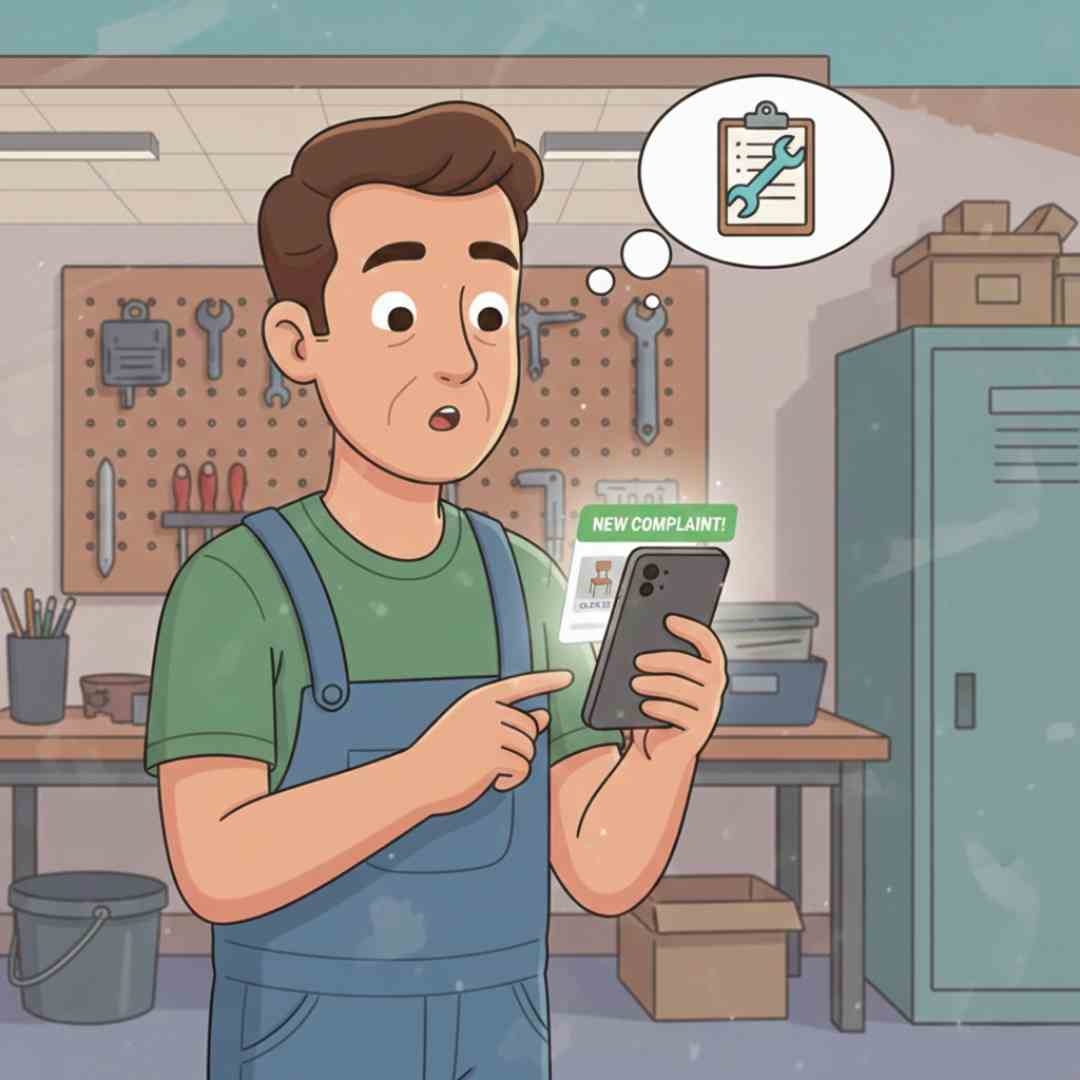
Step 6: Complaint Received
Your complaint is now in our system. Our team reviews it immediately and categorizes it based on priority and department for efficient handling.
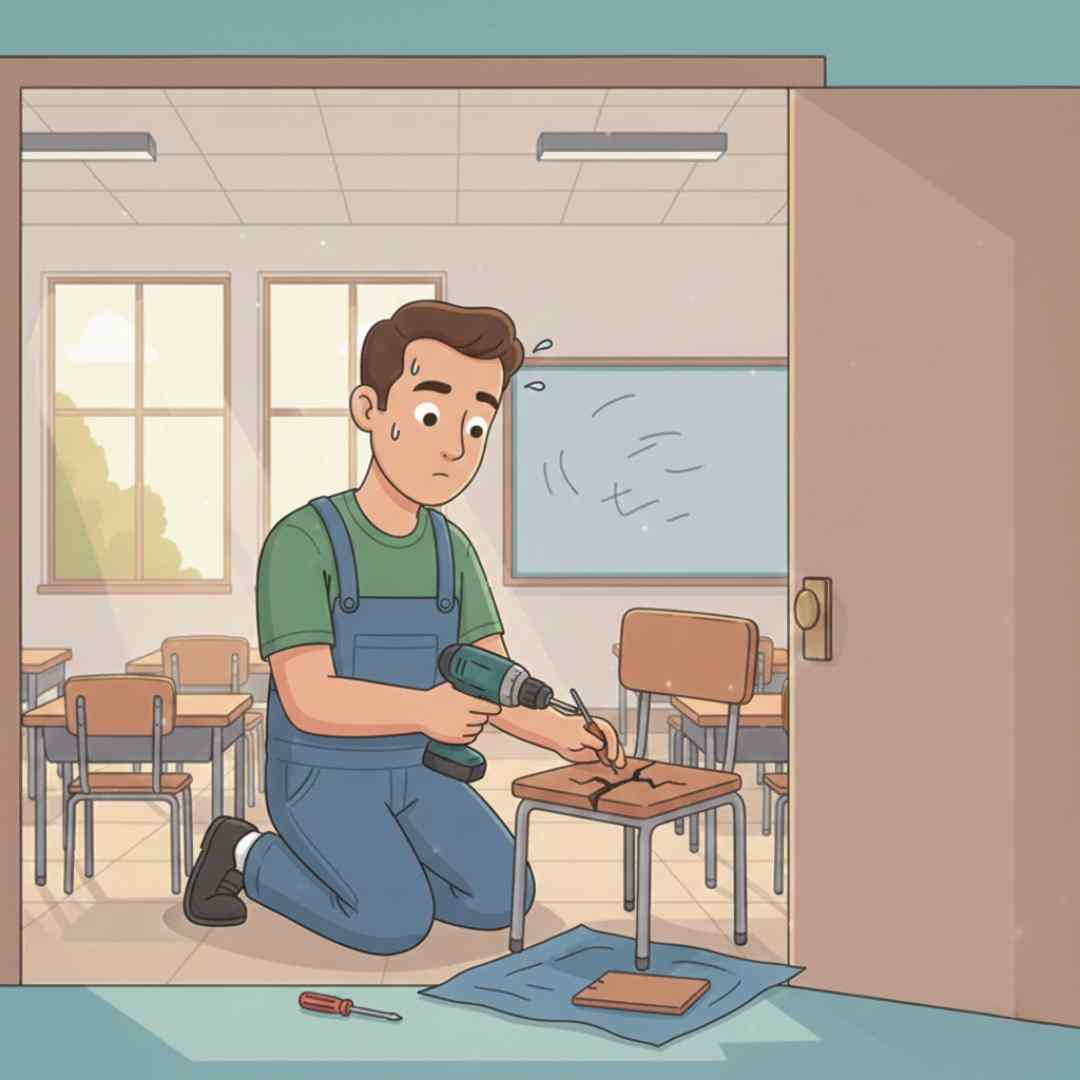
Step 7: Assignment to Technician
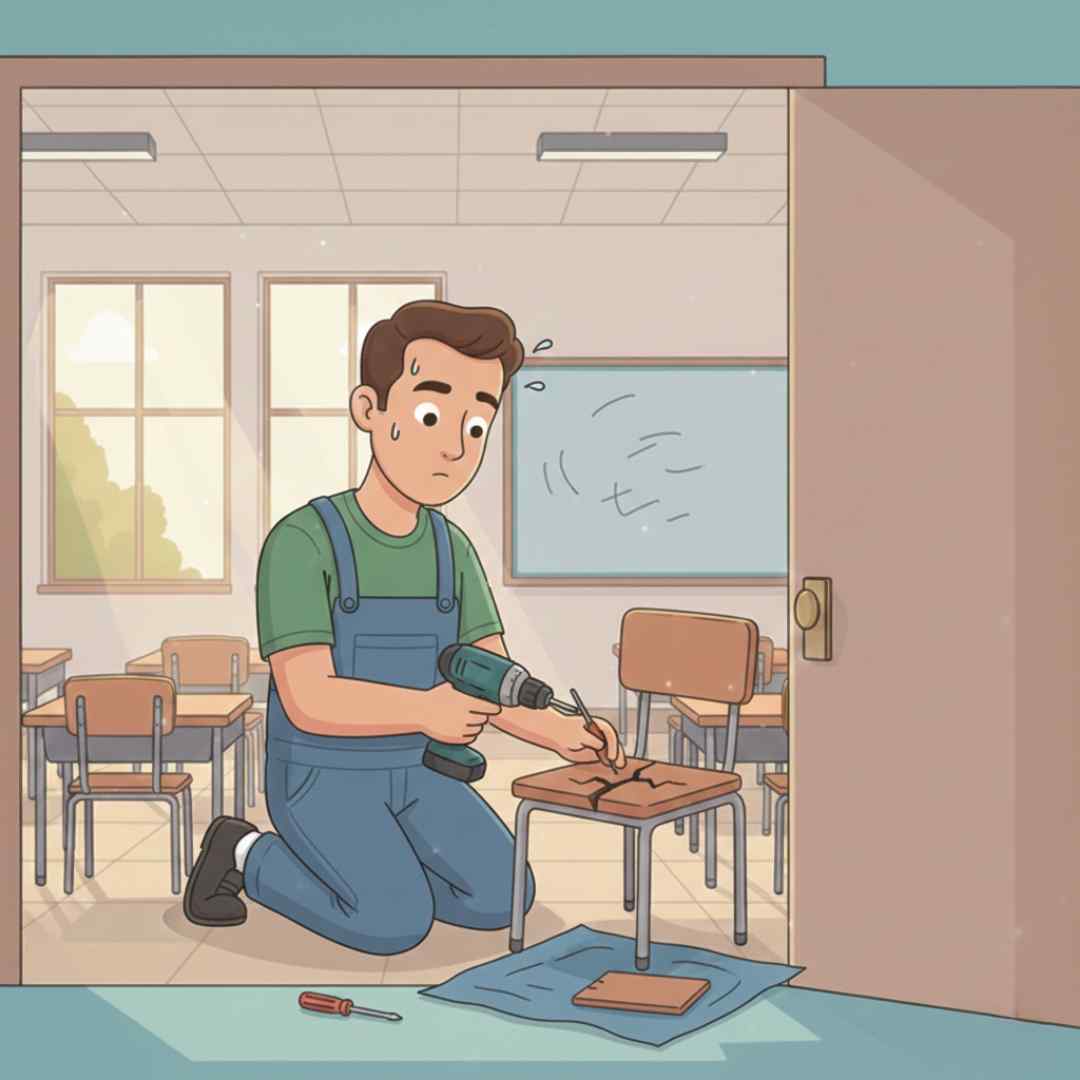
Step 7: Assignment to Technician
A qualified technician from the relevant department is assigned to your complaint. You'll get notified via email about who's handling your case.
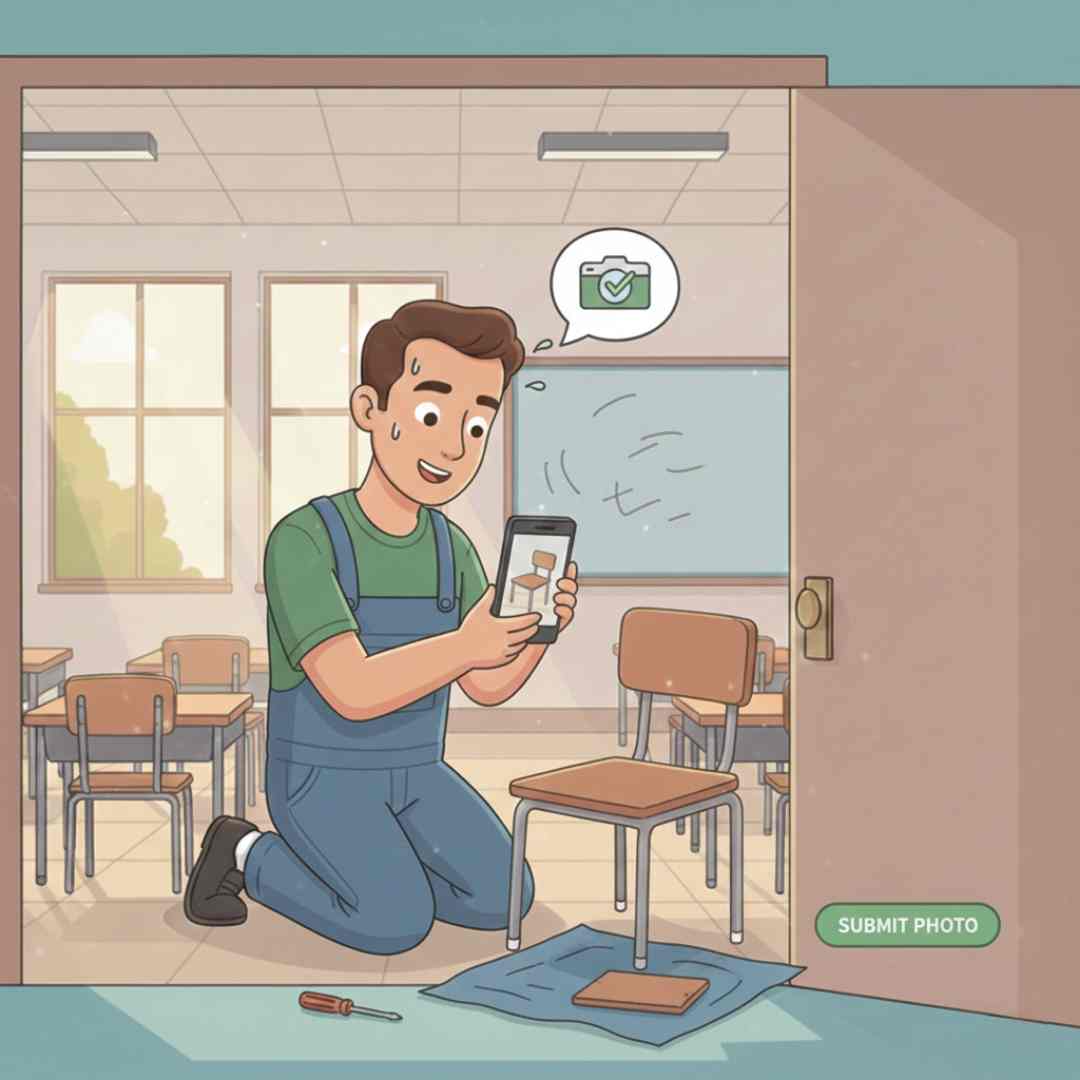
Step 8: Work in Progress
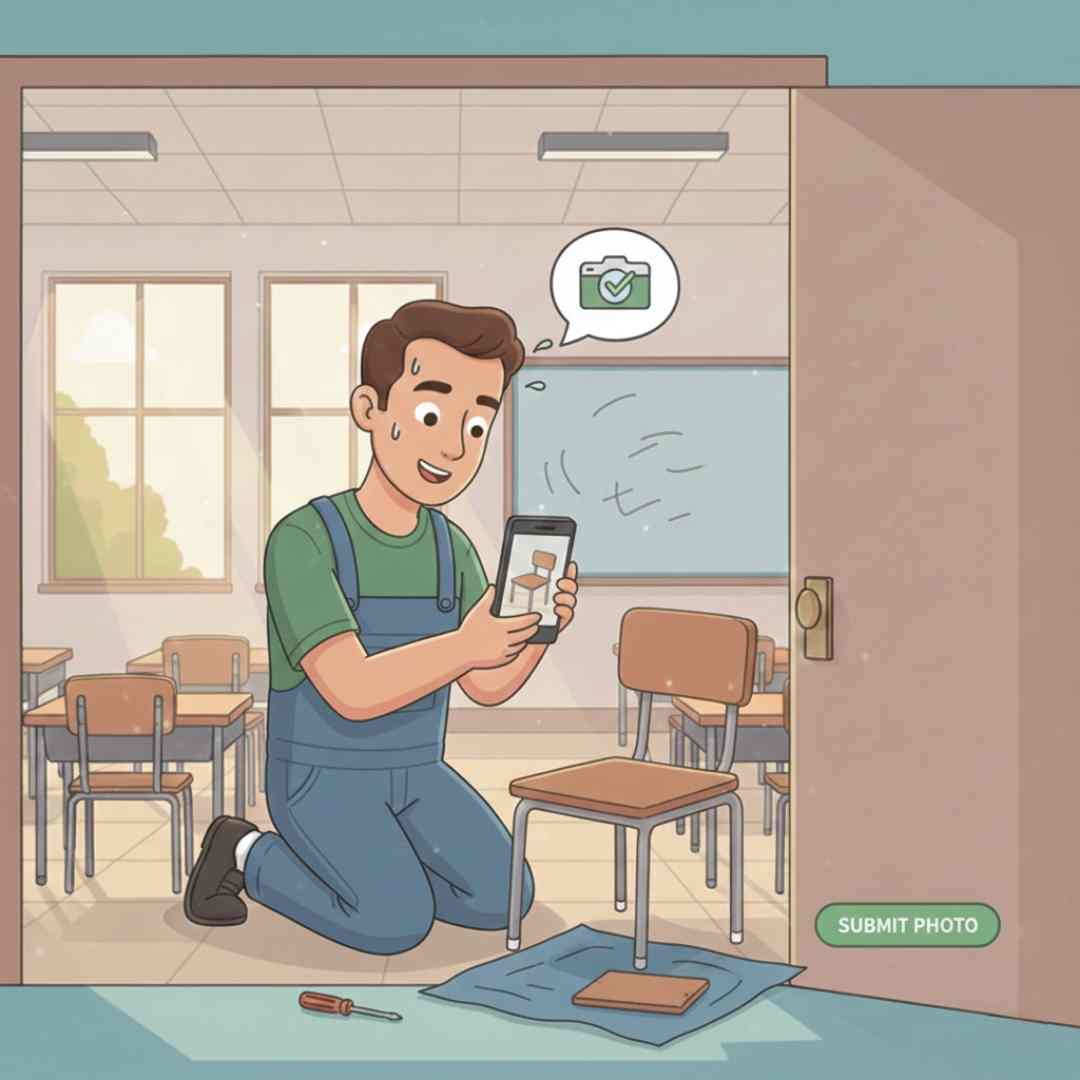
Step 8: Work in Progress
The technician begins working on resolving your issue. Track real-time updates as the status changes from "Assigned" to "In Progress" on your tracking page.
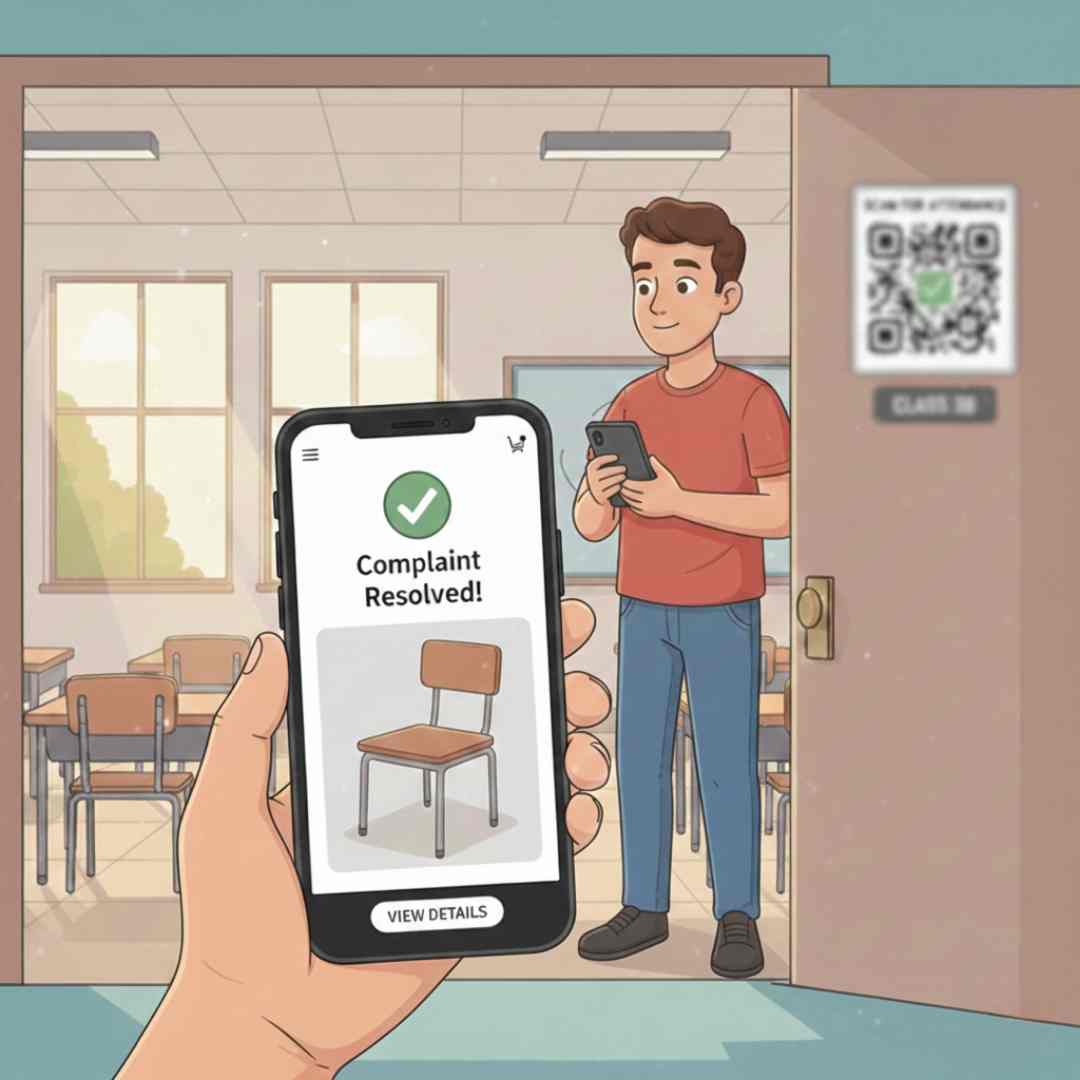
Step 9: Issue Resolved
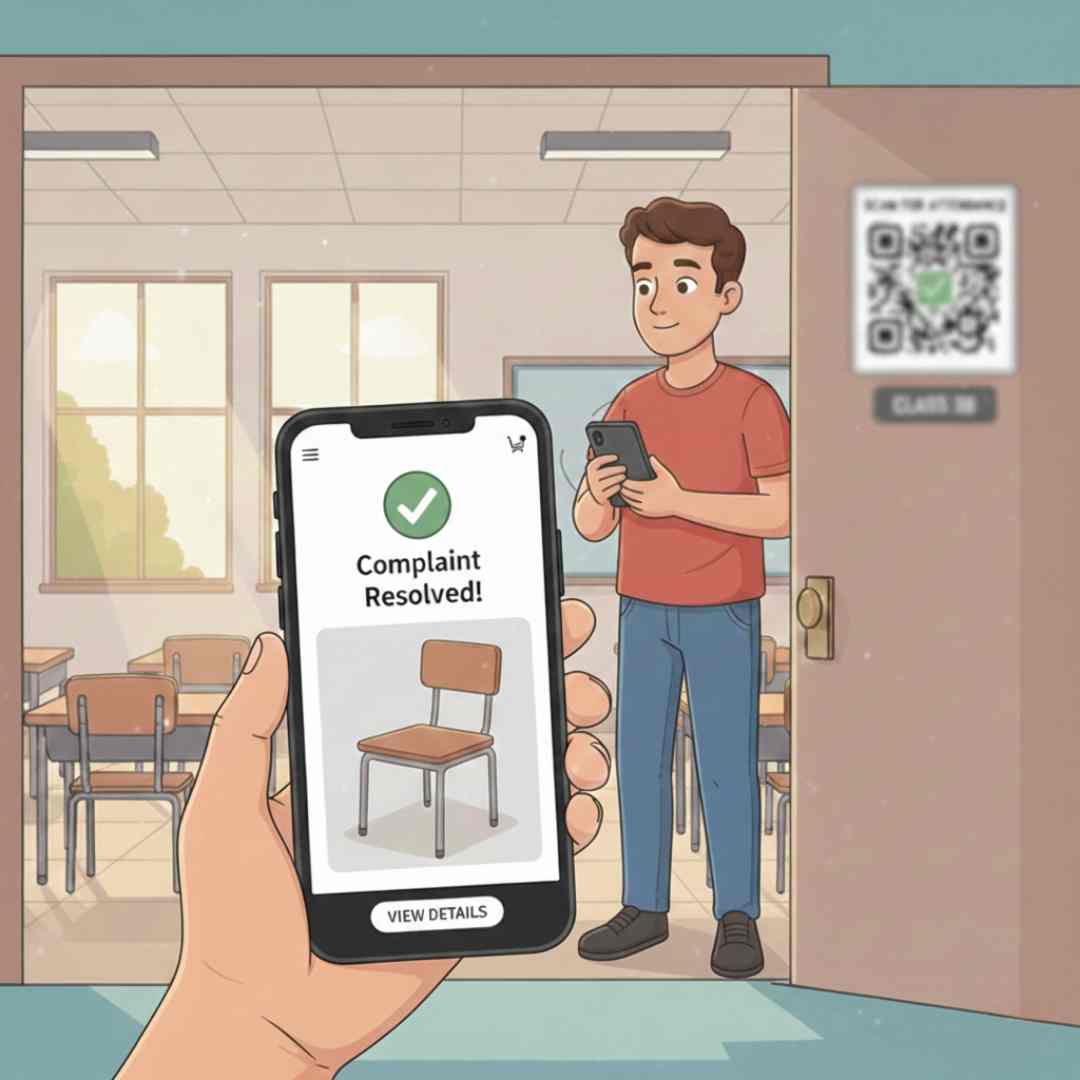
Step 9: Issue Resolved
The problem is fixed! Our technician completes the work and may upload a photo as proof of completion. You'll receive a completion notification immediately.
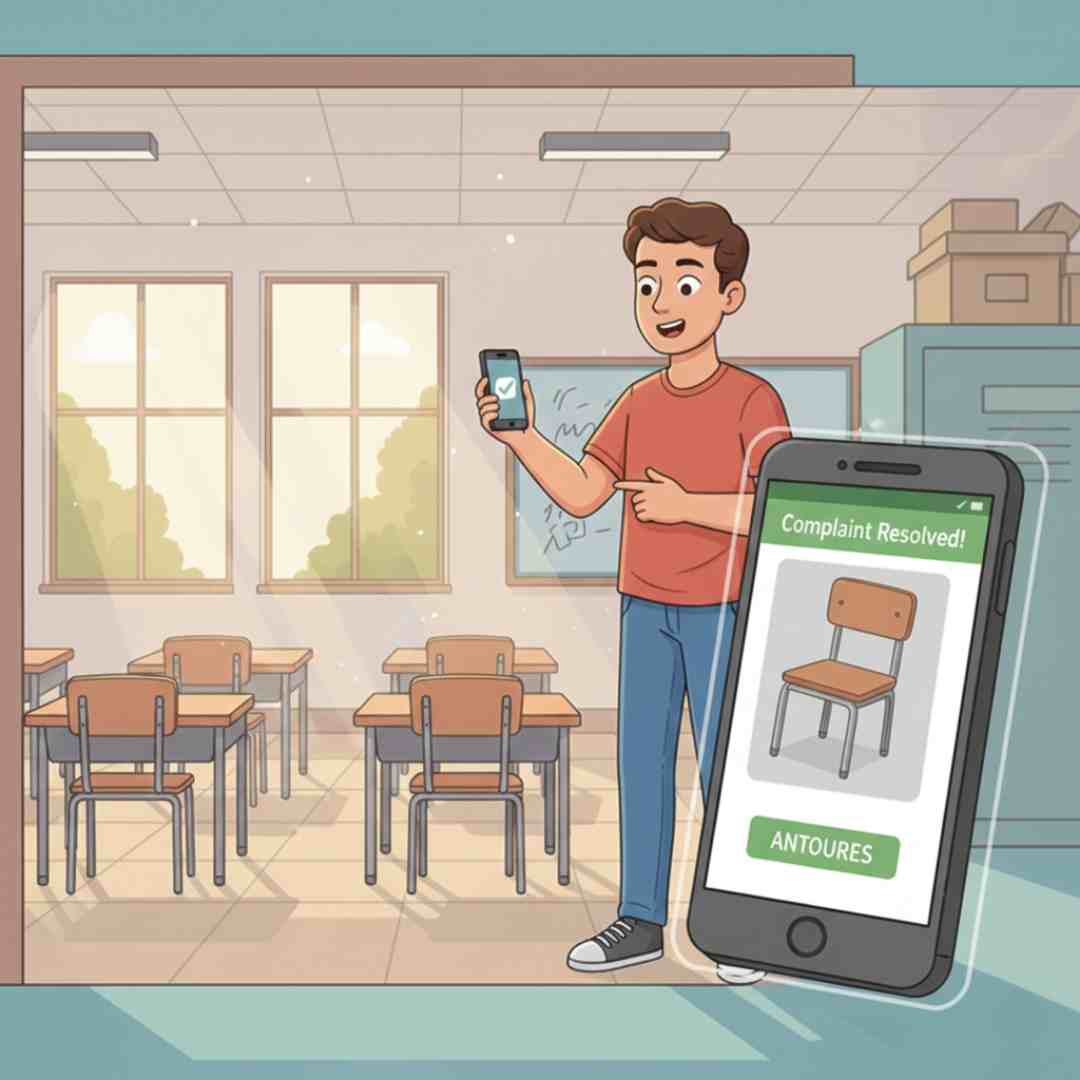
Step 10: Completed ✅
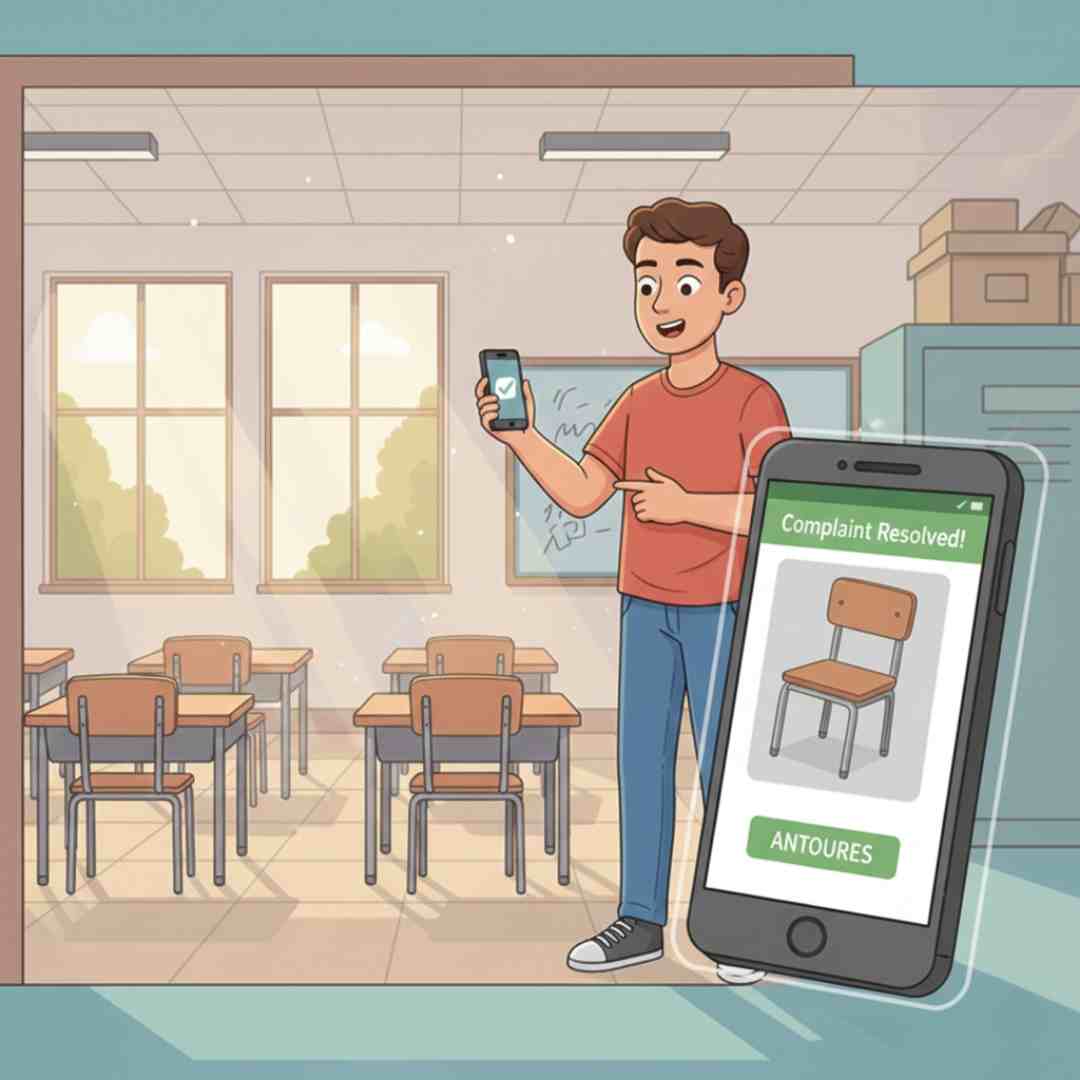
Step 10: Completed ✅
Your complaint is now marked as "Completed". Check the timeline to see the full journey from submission to resolution. Thank you for using Snap2Fix!